
Core Web Vitals in 2026: A Practical Guide to a Faster Website
Core Web Vitals are how Google measures real-world page experience. Here is what LCP, INP and CLS mean, how to check your own site in minutes, and the fixes that move the numbers most.
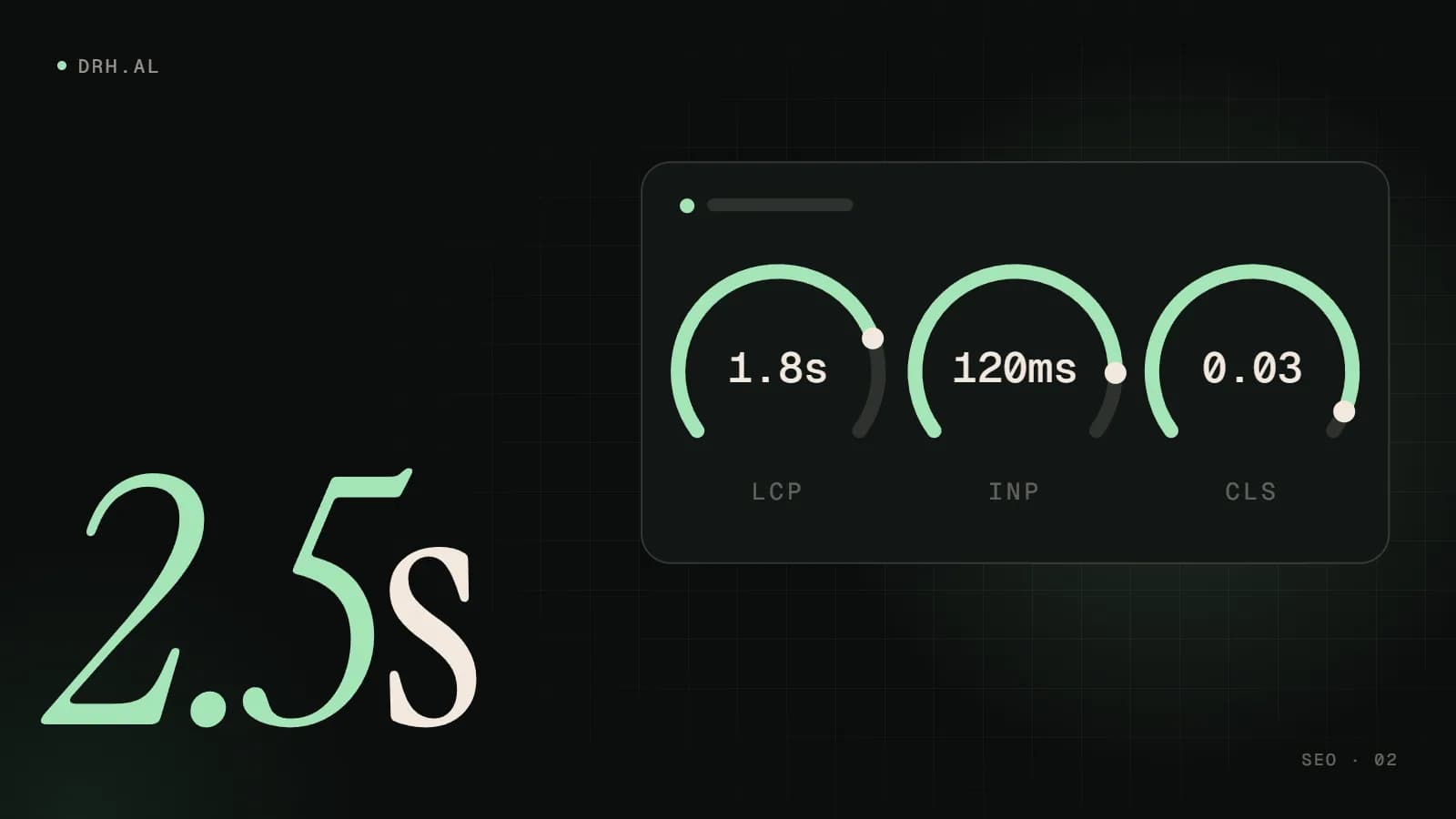
A slow website costs you twice. Visitors leave before the page finishes loading, and search engines have one more reason to rank a competitor above you. Google measures this experience with three metrics called Core Web Vitals. They are not the only thing that affects rankings, and great content still wins, but when two pages are similarly relevant, the faster and more stable one has the edge.
This guide explains what each metric measures in plain language, how to test your own site for free, and the fixes that usually make the biggest difference.
What are Core Web Vitals?
Core Web Vitals are three measurements of how a page feels to a real person: how quickly the main content appears, how quickly the page reacts when you tap or click, and whether things jump around while it loads.
| Metric | What it measures | Good | Poor |
|---|---|---|---|
| LCP – Largest Contentful Paint | Loading: when the biggest visible element (usually the hero image or headline) has rendered | ≤ 2.5 s | > 4.0 s |
| INP – Interaction to Next Paint | Responsiveness: how long the page takes to visibly react to taps, clicks and key presses | ≤ 200 ms | > 500 ms |
| CLS – Cumulative Layout Shift | Visual stability: how much content unexpectedly moves while the page loads | ≤ 0.1 | > 0.25 |
To pass, a page needs a "good" score on all three, measured at the 75th percentile of real visits. In other words, at least three out of four visitors should have a good experience, including those on mid-range phones and slower mobile connections.
INP replaced the older First Input Delay (FID) metric in March 2024. INP is stricter: it looks at interactions throughout the whole visit, not just the first one, which is why many sites that "passed" a few years ago now fail on responsiveness.
Lab data vs. field data: why your scores disagree
You will see two kinds of numbers, and the difference causes a lot of confusion:
- Field data comes from real Chrome users visiting your site over the previous 28 days (the Chrome UX Report). This is what Google uses for Core Web Vitals in search.
- Lab data is a single simulated test, such as the Lighthouse score in PageSpeed Insights. It is great for diagnosing problems, but it is not what Google uses to assess your pages.
A Lighthouse score of 95 with failing field data means real visitors are still having a poor experience. Always prioritise field data when you have it.
How to test your website in five minutes
- Open PageSpeed Insights and enter your homepage URL. The top section ("Discover what your real users are experiencing") is field data; the section below is lab data.
- Switch between the Mobile and Desktop tabs. Mobile is almost always worse, and it is usually the one that matters most.
- In Google Search Console, open the Core Web Vitals report to see which groups of pages fail and why. If you do not have Search Console set up yet, fix that first. It is free and essential.
- Test your most important templates, not just the homepage: a service page, a product or article page, and your contact page.
New or low-traffic sites may not have enough visits for field data. In that case, use lab data as a guide and track the real numbers once traffic grows.
How to improve LCP (loading)
On most business websites, the LCP element is a large hero image. The usual fixes:
- Serve the right image size in a modern format. A 4000-pixel JPEG scaled down in the browser is the most common cause of a slow LCP. Use AVIF or WebP and responsive
srcsetsizes. - Never lazy-load the hero image. Lazy loading is great for images further down the page, but on the LCP image it delays exactly what you want shown first. Mark it with
fetchpriority="high"instead. - Reduce server response time. Use good hosting, page caching and a CDN so the HTML arrives quickly from anywhere, including for visitors from the diaspora abroad.
- Remove render-blocking resources. Large CSS files, web fonts and scripts in the
<head>all delay the first paint. Inline critical CSS, defer non-essential JavaScript and limit the number of font files.
How to improve INP (responsiveness)
Poor INP almost always means too much JavaScript running on the main thread, so the browser is busy when the visitor taps.
- Audit third-party scripts. Chat widgets, heatmaps, multiple analytics tags and ad pixels each add work. Remove what you do not use and load the rest after the page is interactive.
- Break up long tasks. Any task longer than 50 ms blocks interaction. Developers can split heavy work into smaller chunks and yield back to the browser between them.
- Ship less JavaScript. Heavy page builders and plugin-stacked themes often load scripts for features a page never uses. A leaner theme or a modern framework with server rendering makes a measurable difference.
- Keep the DOM reasonably small. Pages with thousands of elements take longer to update after every interaction.
How to improve CLS (visual stability)
- Always set image and video dimensions (
widthandheight, or a CSS aspect ratio) so the browser reserves space before they load. - Reserve space for embeds, banners and ads. Cookie banners and promo bars that push content down are a classic cause of layout shift. Overlay them instead.
- Load web fonts carefully. Use
font-displaywith a matched fallback font so text does not jump when the custom font arrives. - Do not insert content above what the visitor is already reading, unless it is in response to their own action.
Does WordPress pass Core Web Vitals?
It can. The platform is rarely the problem; the theme, the number of plugins and the hosting usually are. A well-built WordPress site on a lightweight theme with good caching can pass comfortably. A site assembled from a heavy multipurpose theme and thirty plugins usually cannot, however much optimisation plugins promise.
Is it worth the effort?
Core Web Vitals are one ranking signal among many, so improving them will not rescue thin content. But speed has a direct effect on the things you care about: bounce rate, enquiries and sales, especially on mobile, where most visits now happen. Faster pages also make every euro you spend on Google Ads work harder, because fewer paid visitors leave before the page appears.
Frequently asked questions
Do Core Web Vitals affect Google rankings?
Yes, as part of Google's page experience signals, but relevance and content quality come first. Think of them as a tie-breaker between similarly good pages, and as a direct factor in how many visitors stay long enough to convert.
Why is my PageSpeed score different every time I test?
The lab score comes from a single simulated test, and network and server conditions vary between runs. Small swings are normal. Field data, averaged over 28 days of real visits, is far more stable and is what Google actually uses.
How long until improvements show up in Search Console?
Field data covers a rolling 28-day window, so expect around four weeks before fixes are fully reflected. Search Console also lets you mark an issue as fixed and start a validation.
What is a good Lighthouse score?
90 or above is considered good. But a high lab score does not guarantee passing Core Web Vitals in the field, so use it to find problems, not as the final goal.
Want a faster website?
Performance is built in from the start of every project we deliver, not added afterwards. If your site is failing Core Web Vitals, our SEO and performance team can audit it and tell you exactly what is slowing it down and what it will take to fix. Get in touch and we will reply within 24 hours.
Related service
SEO & Performance Marketing
